by Dusty | Jan 9, 2023 | Roblox
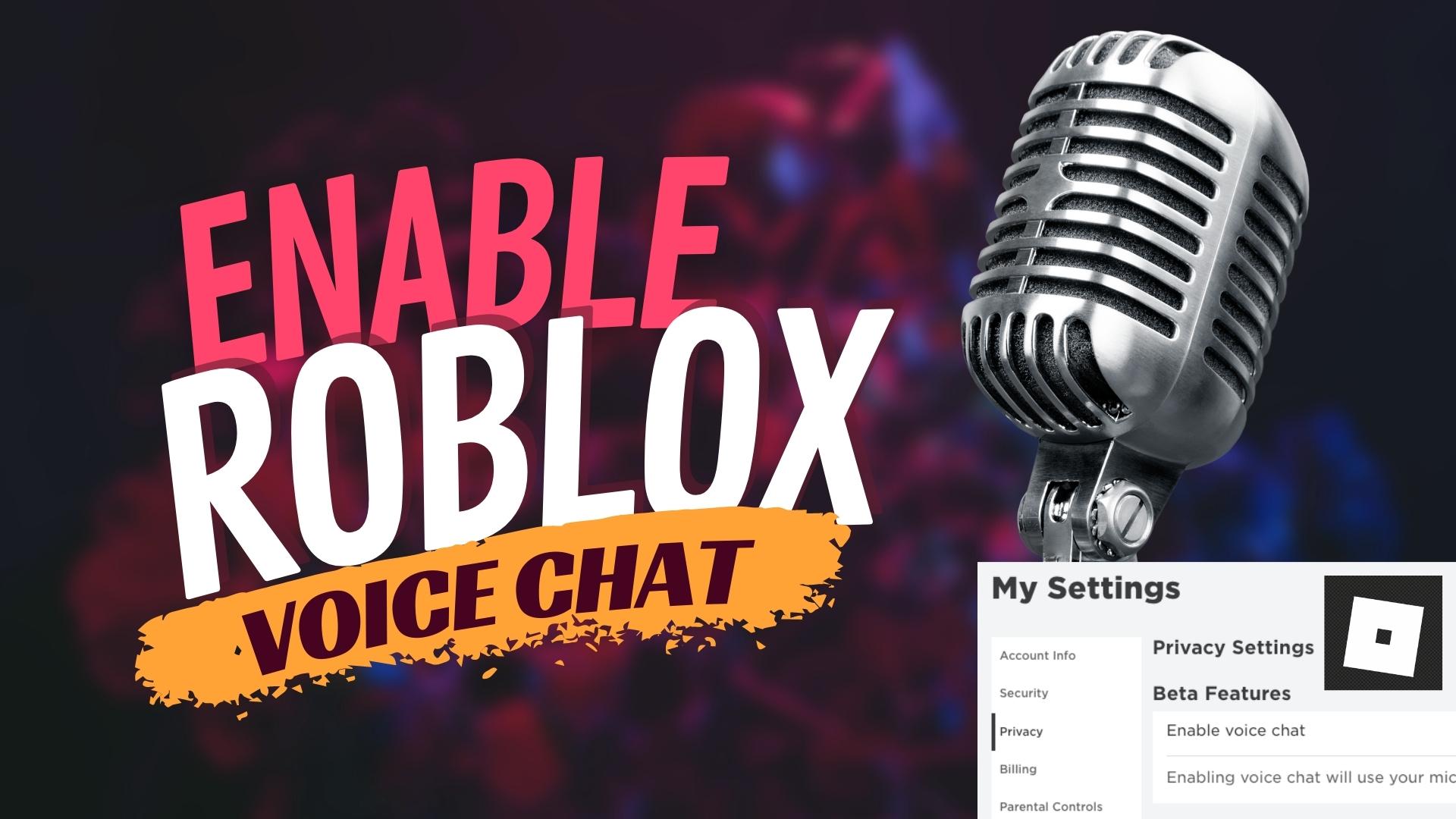
In this tutorial, you will learn how to turn on the voice chat feature in Roblox. The first thing you need to do is to log in to your account on ROBLOX.COMOnce logged in, go to the settings by clicking the gear icon at the top of the screen. Under account info, you...

by Dusty | Jan 6, 2023 | Instagram
In this tutorial, you will learn how to add music/lyrics to your Instagram Stories. Once you’ve logged into your Instagram account, go ahead and start creating your story. When you’ve selected/recorded your video, you will see a sticker with a Smiley face...
by Dusty | Jan 5, 2023 | Facebook
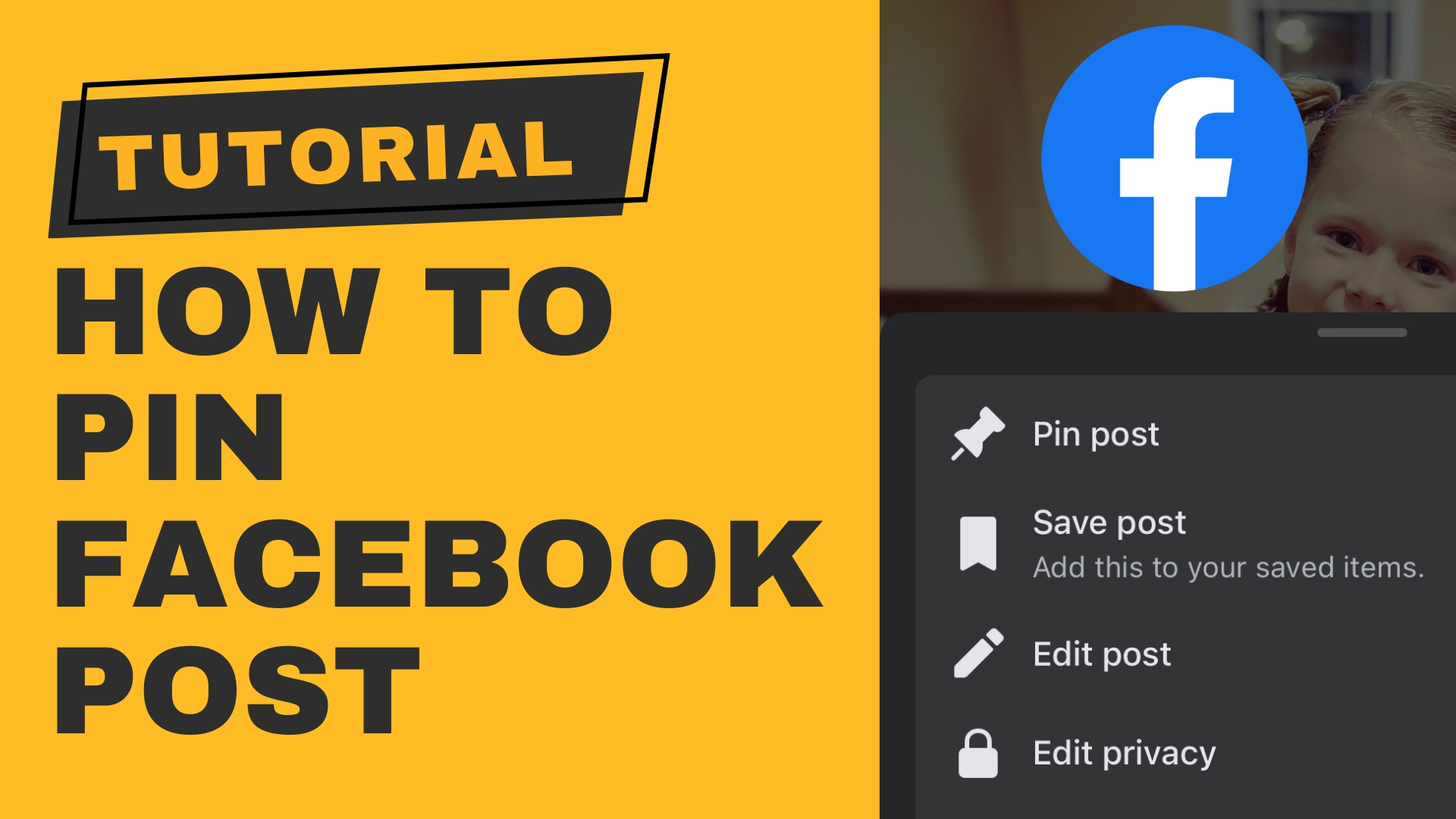
In this video tutorial, I show you how to pin a post to the top of your Facebook Profile. (This also works for Facebook Groups AND Pages.) I also show you on both desktop and mobile. First, you want to make sure that you are logged into your Facebook account. Go to...

by Dusty | Jan 4, 2023 | Windows 11
In this tutorial, you will learn how to quickly and easily boot into Safe Mode in Windows 11. There are 3 different ways of doing this.1.) Run MSCONFIG 2.) Shift Click on the Start Button and 3.) Fail-Safe method. (This is the one you will need to use if you...

by Dusty | Jan 3, 2023 | Mac Tutorials
In this tutorial, you are going to learn how to change your username on your Mac. This includes both your ACCOUNT NAME and FULL NAME. WARNING: By doing this, you could have issues with file locations due to the naming of directories after your account name. The first...


