
by Dusty | May 18, 2023 | Steam
In this tutorial, I will show you how to link your Ubisoft account to Steam. This will allow you to play your Ubisoft games on Steam, and it will also allow you to earn Steam achievements and trading cards for your Ubisoft games. To link your Ubisoft account to Steam,...
by Dusty | May 17, 2023 | Premiere Pro
I will show you how to transcribe your videos in Adobe Premiere Pro in this video. This is a great way to make your videos more accessible to people who are deaf or hard of hearing, and it can also help people who are learning English as a second language. I will walk...

by Dusty | May 16, 2023 | Snapchat
How to Use Snapchat’s My AI Snapchat’s My AI is a powerful tool that can be used for a variety of tasks, including staying connected with friends, having fun, and being more productive. In this blog post, I will show you how to get started with My AI, how...

by Dusty | May 15, 2023 | Podcasting
In this tutorial, I will show you how to cancel your Shopify subscription and close your store. This quick and easy process can be done in just a few steps. Here are the steps on how to cancel your Shopify subscription and close your store: Log in to your Shopify...

by Dusty | Jan 11, 2023 | Podcasting
In this tutorial, you will learn how to clear your search history on Twitter. The first thing you want to do is make sure you are logged into your Twitter account. Once you are logged in and on your home feed tap/click on the magnifying glass to get to your search...
by Dusty | Jan 9, 2023 | Roblox
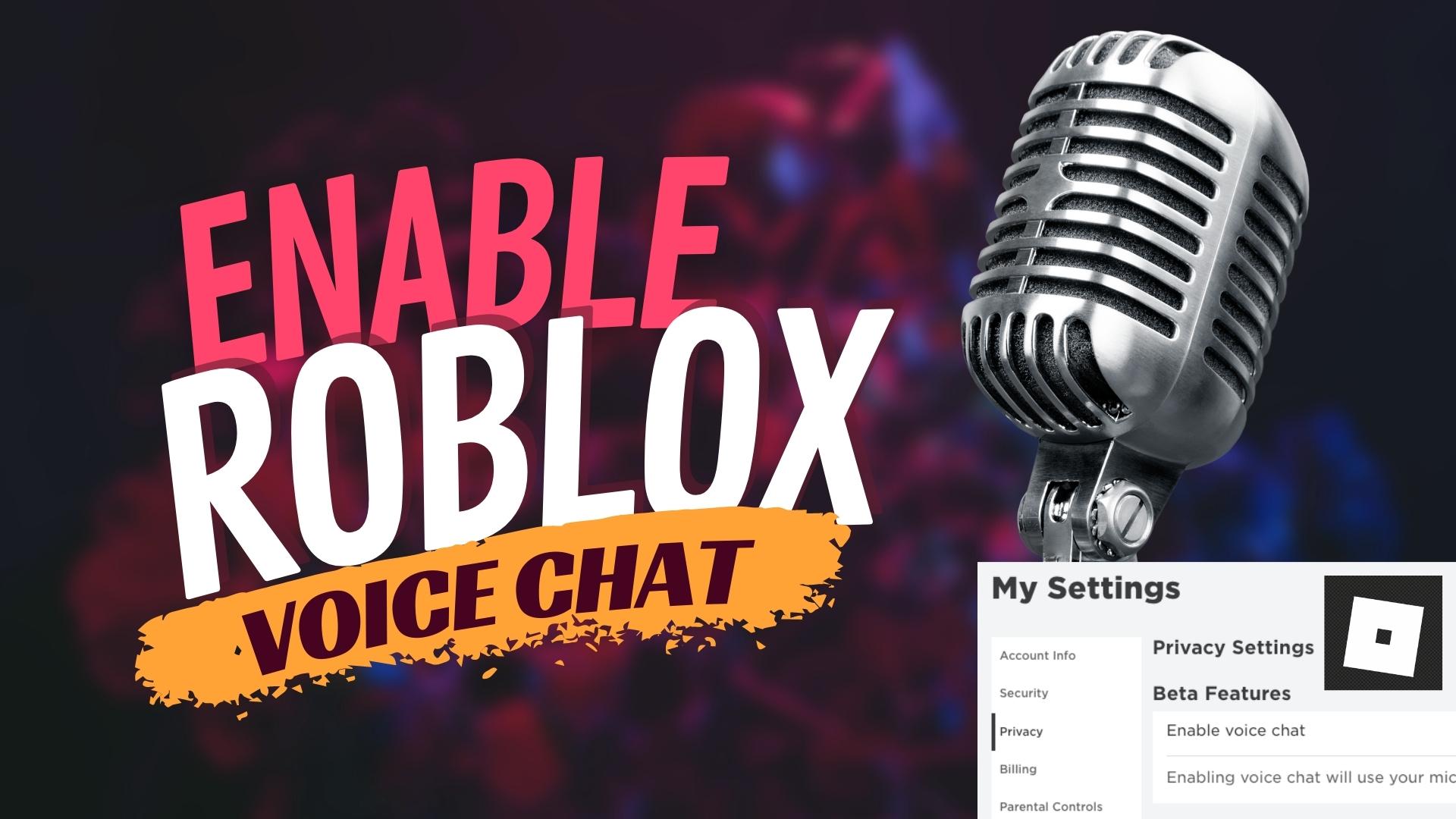
In this tutorial, you will learn how to turn on the voice chat feature in Roblox. The first thing you need to do is to log in to your account on ROBLOX.COMOnce logged in, go to the settings by clicking the gear icon at the top of the screen. Under account info, you...

by Dusty | Jan 6, 2023 | Instagram
In this tutorial, you will learn how to add music/lyrics to your Instagram Stories. Once you’ve logged into your Instagram account, go ahead and start creating your story. When you’ve selected/recorded your video, you will see a sticker with a Smiley face...
by Dusty | Jan 5, 2023 | Facebook
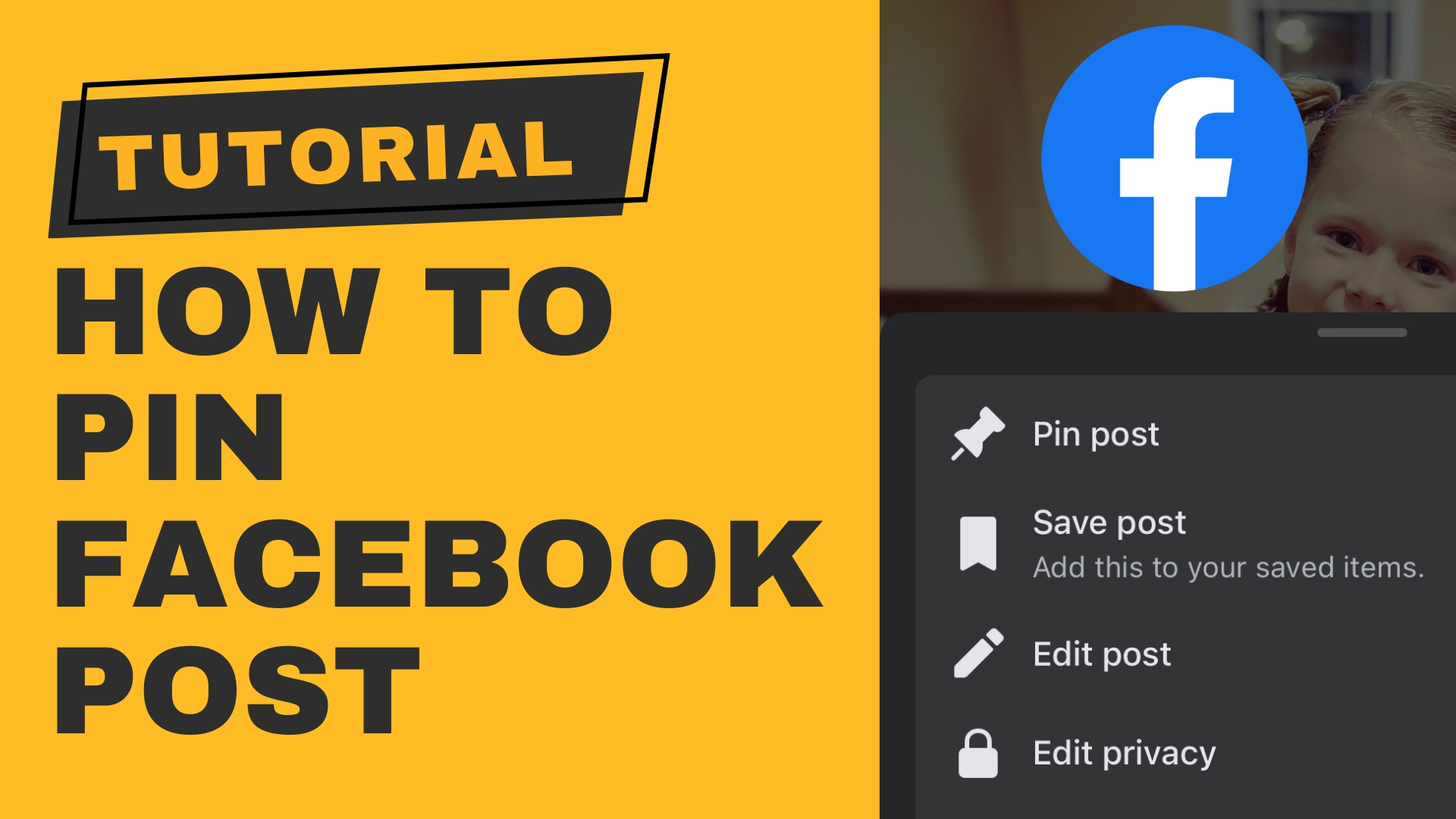
In this video tutorial, I show you how to pin a post to the top of your Facebook Profile. (This also works for Facebook Groups AND Pages.) I also show you on both desktop and mobile. First, you want to make sure that you are logged into your Facebook account. Go to...

by Dusty | Jan 4, 2023 | Windows 11
In this tutorial, you will learn how to quickly and easily boot into Safe Mode in Windows 11. There are 3 different ways of doing this.1.) Run MSCONFIG 2.) Shift Click on the Start Button and 3.) Fail-Safe method. (This is the one you will need to use if you...

by Dusty | Jan 3, 2023 | Mac Tutorials
In this tutorial, you are going to learn how to change your username on your Mac. This includes both your ACCOUNT NAME and FULL NAME. WARNING: By doing this, you could have issues with file locations due to the naming of directories after your account name. The first...


