
by Dusty | Jan 2, 2023 | Google Chrome, Google Docs
In this tutorial, you will learn how to transfer ownership of both a Google Drive FILE and Account. This allows you to give FULL access and control to a Google Drive file OR account. The first thing you want to do after you login to your account is go to the file that...

by Dusty | Jan 2, 2023 | App Tutorials
In this tutorial, you are going to learn how to remove a Credit Card (or any other payment method) from your DoorDash account. The first thing that you want to do is make sure you are logged into your account, and then tap/click on the ACCOUNT option at the bottom of...
by Dusty | Dec 28, 2022 | Roblox
In this tutorial, I will be showing you how to redeem Roblox Gift Cards on both Desktop and Mobile. We will start with the desktop version of Roblox. Go to www.roblox.com/redeem /// Once you are here you should see a box to insert the PIN/Promo Code from your card....
by Dusty | Dec 27, 2022 | Amazon
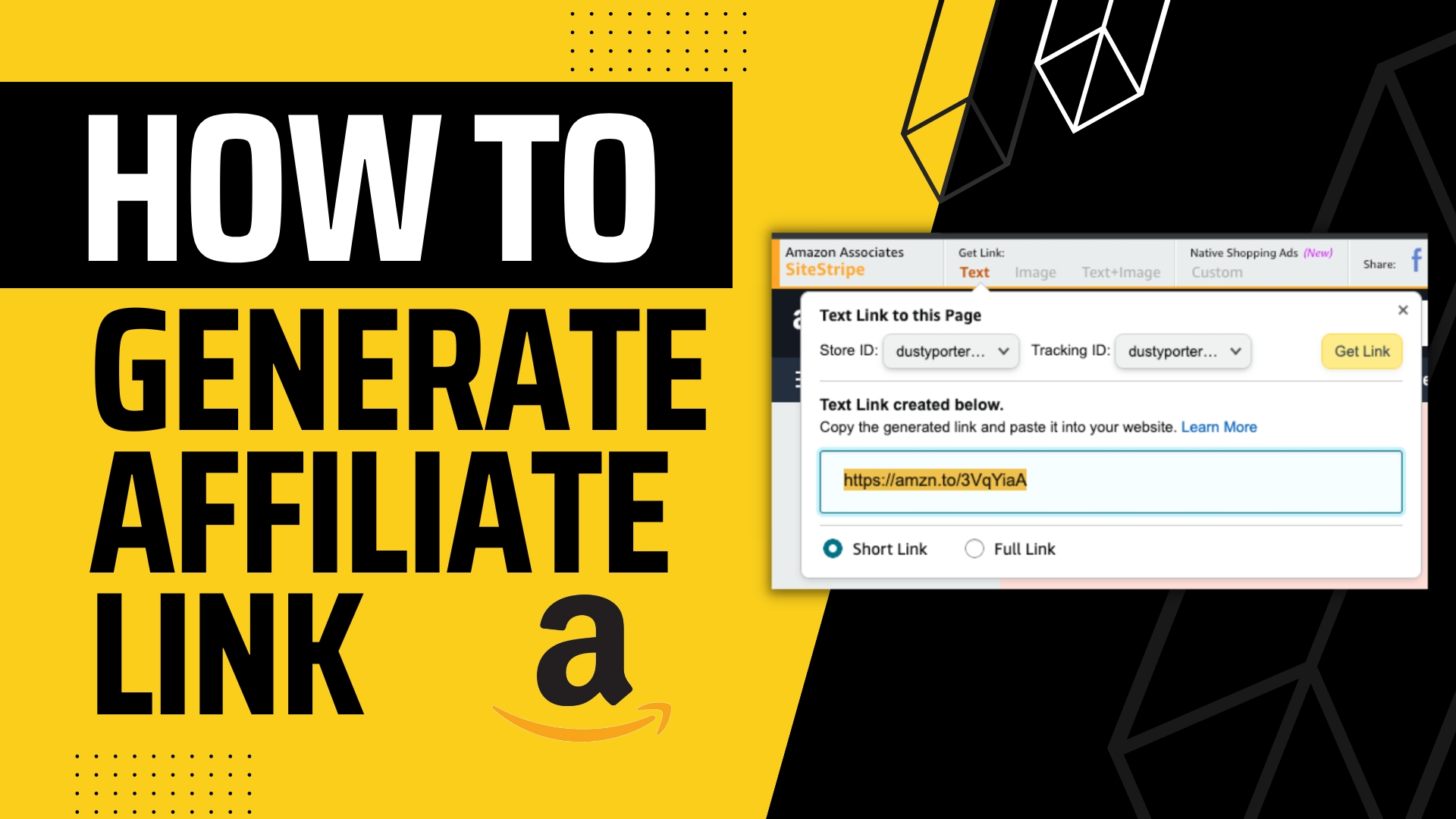
In this tutorial, you will learn how to generate/create affiliate links to paste on your website/blog, YouTube video, Instagram Post, etc. Make sure you have signed up for an Amazon Associates account FIRST. Sign Up Here If You Haven’t:...
by Dusty | Dec 27, 2022 | Google Chrome
In this tutorial, you will learn how to enable/disable the microphone (and camera) in Google Chrome. Specific sites need access to your microphone OR camera, and you can use this guide to adjust the settings for both your microphone AND camera within Google Chrome....

by Dusty | Dec 14, 2021 | Reddit
In this tutorial, I show you how to delete your Reddit account. We show you on both mobile AND desktop. First you need to login to your Reddit account, and then tap/click on the 3 horizontal lines in the upper right hand corner on mobile to get to your settings on...

by Dusty | Dec 7, 2021 | Facebook
In this tutorial, you will learn how to turn off comments on A Facebook post. First you need to login to your Facebook account and then pull up the post you want to remove comments on. Tap/Click on the 3 DOTS in the upper right hand side of the post. Then select the...

by Dusty | Dec 6, 2021 | Creative, Podcasting
In this tutorial, you will learn how to blur portions of a video in Adobe Premiere Pro. This allows you to blur out sensitive data, private information, and SO much more. Once you have your video files imported into Premiere Pro go ahead and drag them over to the...
by Dusty | Dec 1, 2021 | Steam
In this tutorial, I will show you how to change your Steam “Display” name. This will NOT change your login name. This is locked. What you will be seen as on steam is your Display nam NOT your login name. First, login to your Steam account and hover over...

by Dusty | Nov 30, 2021 | Amazon
In this tutorial, I show you how to download and print your Amazon receipts (Invoices) on both desktop and the Amazon mobile app. The first thing you want to do is go to the amazon site and login to your account. Navigate to your orders by clicking on the order and...


